Step 9 Photo-editing workflow - Fixing imperfections
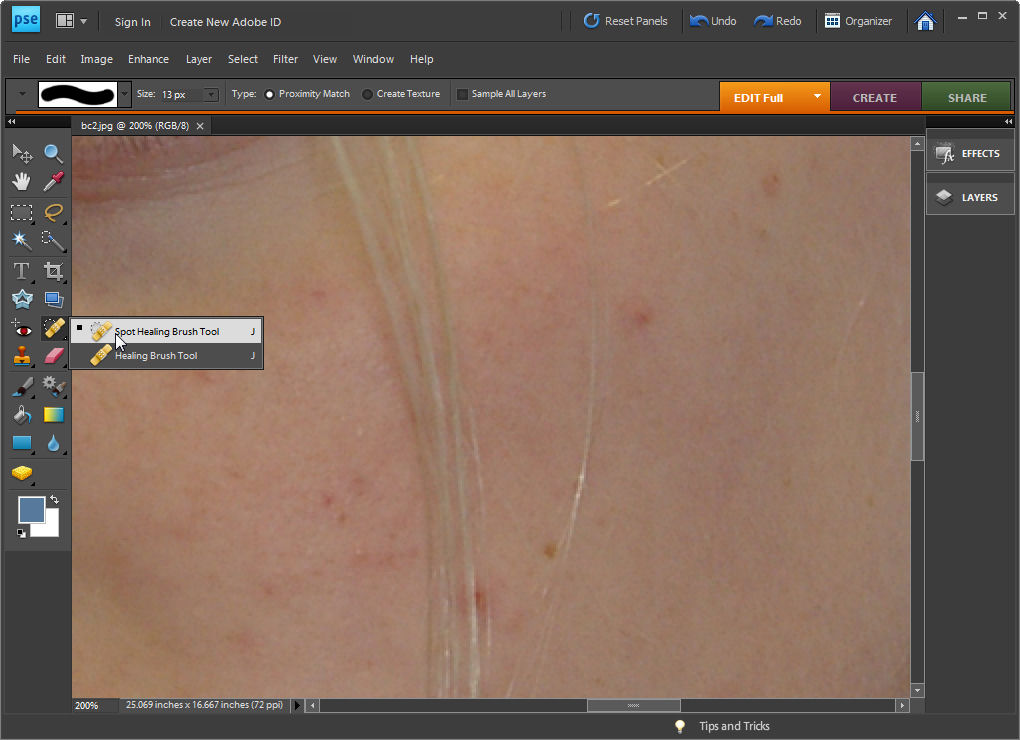
If you have a photograph of someone who has blemishes on their skin you can remove these by using the Spot Healing Brush tool.
Select the Zoom tool and zoom in onto the areas that require fixing.
Click the Spot Healing Brush tool and adjust the brush size so it is just big enough to cover the problem area.
Click once on the area and the blemish will disappear. If the fix is not perfect choose Edit > Undo Spot Healing Brush, adjust the brush size and try again.
Labels: blemishes, Photo-editing workflow, spot healing brush
posted by Jane @ 6:42 PM



0 Comments:
Post a Comment
We welcome your comments so please share additional tips, tricks and questions.
Subscribe to Post Comments [Atom]
<< Home